Hardware options

Verification hardware for the way you work.

From a phone in someone’s hand to a dedicated entry station: choose hardware around the action, the environment, and the person using it.

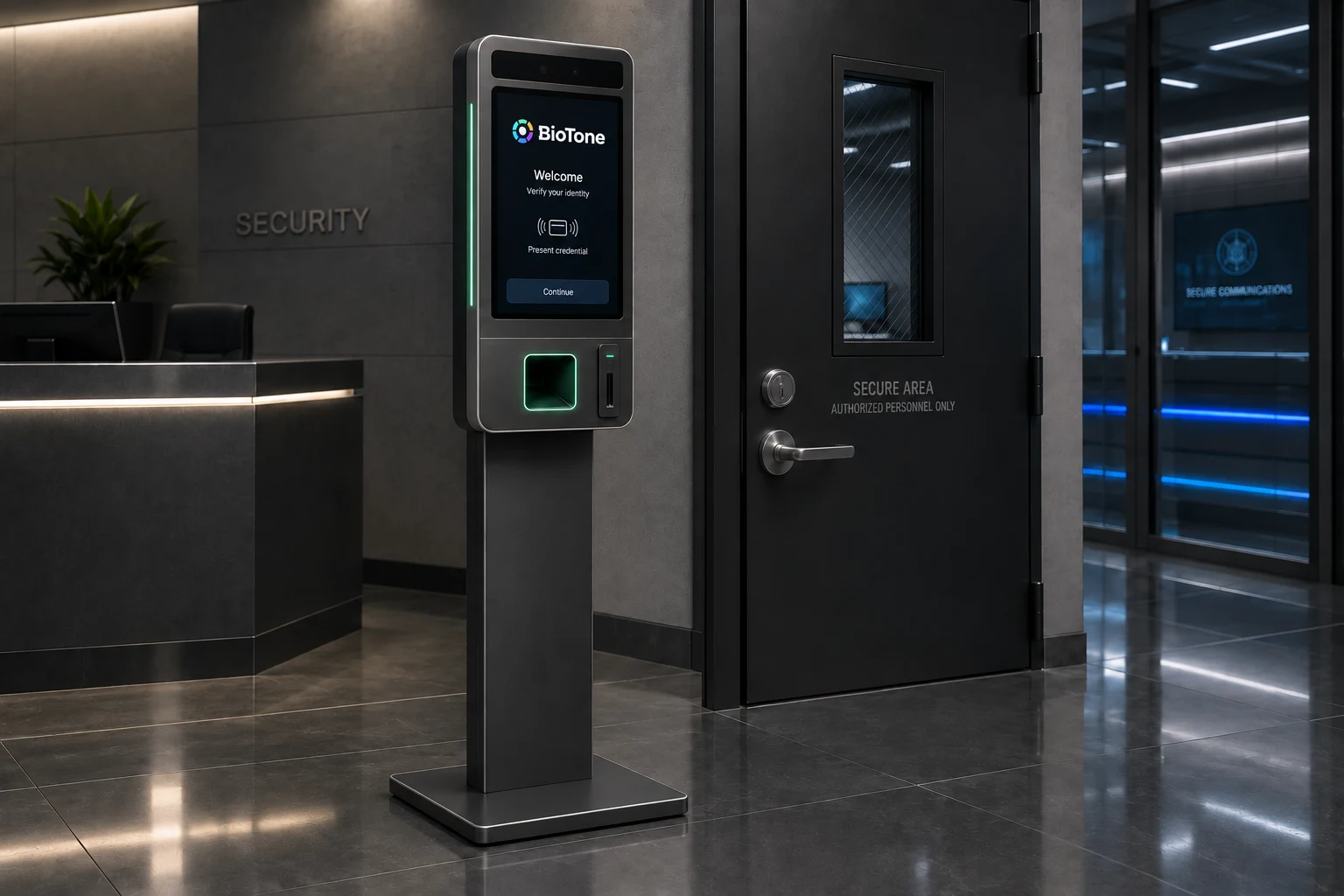
Concept rendering of a BioTone pedestal verification station beside a secure entrance
BioTone pedestal station
AI-assisted concept render · proposed hardware

Four paths, different stages

Choose the hardware. Know its readiness.

Start with supported devices, evaluate a dedicated sensor kit, or help shape a future station. Readiness is shown for each option.

Tested software

01

Start with the devices people use.

Compatible phones and laptops give a pilot a practical starting point. Use guided mobile capture or a browser workflow with the sensors available on that device.

  • Phone camera and microphone
  • Laptop or desktop capture through the web SDK
  • An enrolled person, a defined action, a verification result

Validate the selected camera or microphone, capture method, lighting, and accessibility on the devices in your pilot.

Pilot planning
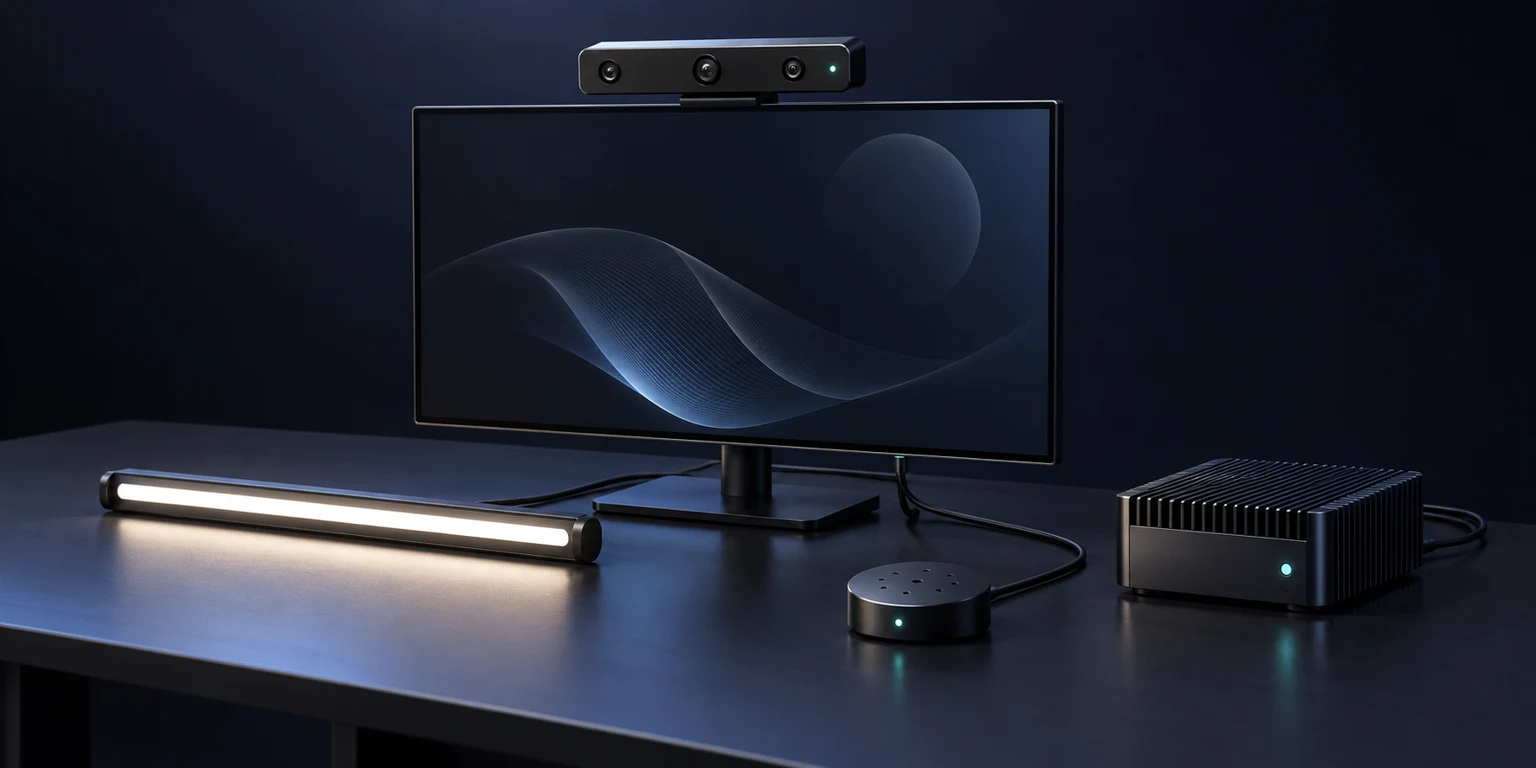
Illustrative capture kit with camera, microphone array, lighting, and an edge computer
AI-assisted concept illustration · not vendor product imagery

02

Evaluate a dedicated edge kit.

Explore an edge node paired with a depth-sensing RGB camera, microphone array, and controlled illumination. A known sensor kit gives the team a repeatable setup to evaluate.

  • RGB + depth camera candidate
  • Microphone array where audio capture is permitted
  • Defined face and hand capture positions

Pilot planning: depth sensing, microphone arrays, drivers, and liveness need joint device testing. Offline operation has not yet been established for this configuration.

Exploration
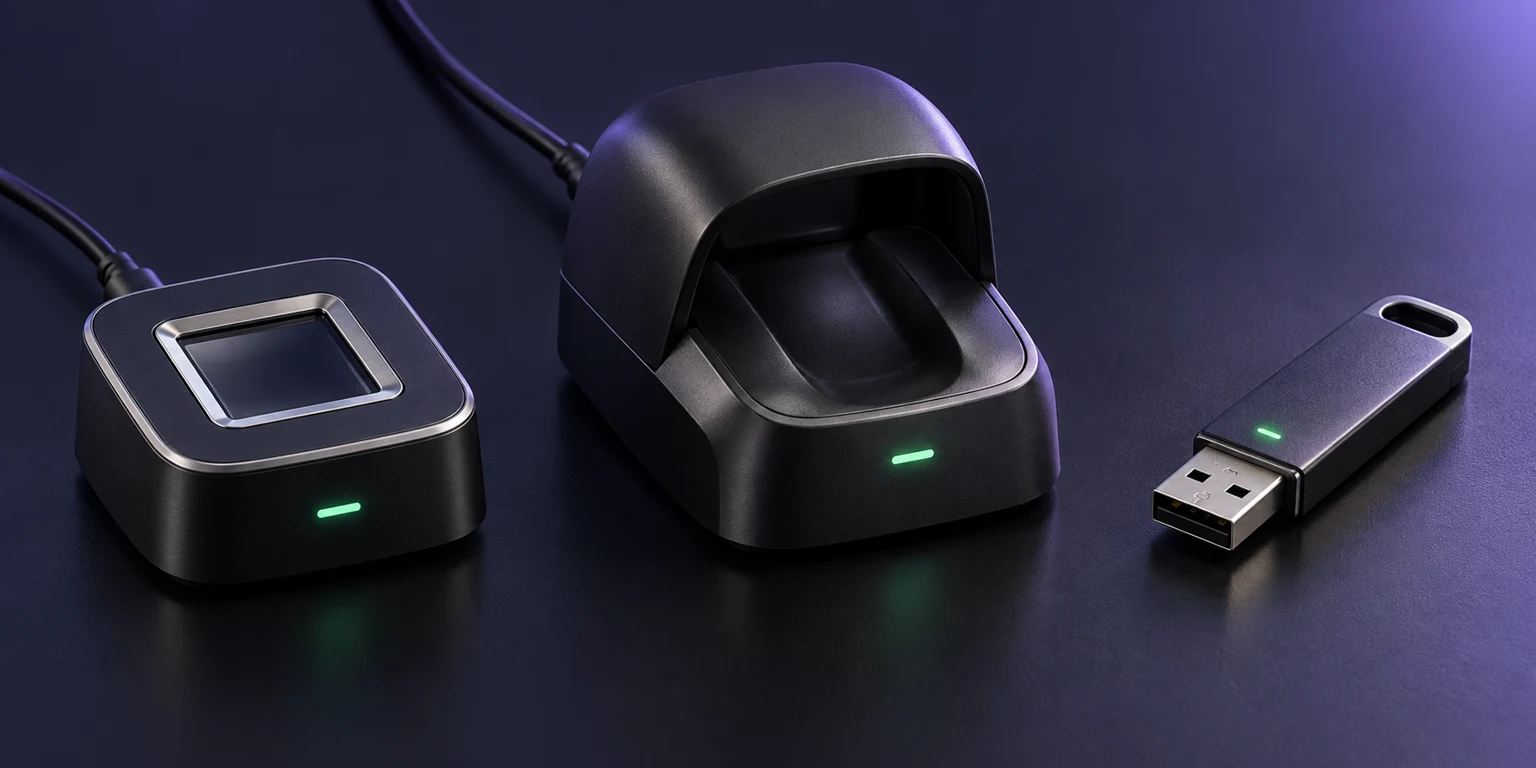
Illustrative wired biometric readers and a USB device
AI-assisted concept illustration · not vendor product imagery

03

Add a deliberate, wired touchpoint.

Wired fingerprint readers and mofiria finger-vein devices are integration paths under exploration for settings where a fixed reader fits better than a personal phone.

  • USB fingerprint capture candidate
  • mofiria finger-vein device and SDK evaluation
  • Customer-approved reader and identity binding

Reader evaluation: confirm SDK and OS support, licensing, matching access, template custody, and presentation-attack testing before integration.

Concept · planned offering

04

Design the point of entry.

BioTone is exploring a BioTone-designed verification kiosk and turnstile experience, with the intent to offer configured hardware directly alongside the software.

  • Guided, intentional verification at an entry point
  • A configurable sensor and reader layout
  • Connection to the operator’s access-control workflow

Concept stage: design, sourcing, support, pricing, and availability are being defined. Not yet available to order.

A proposed hardware family

Fit the station to the space.

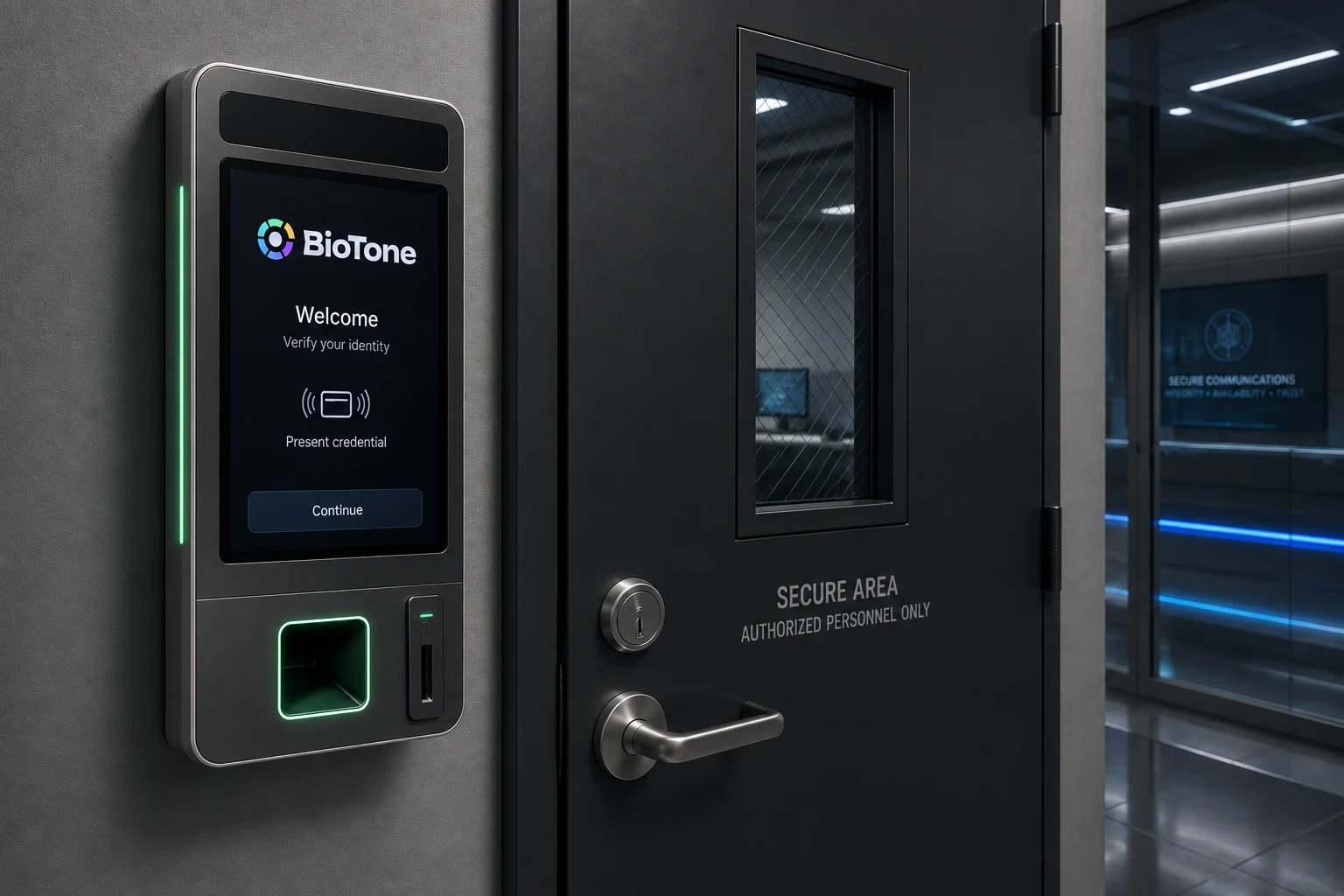
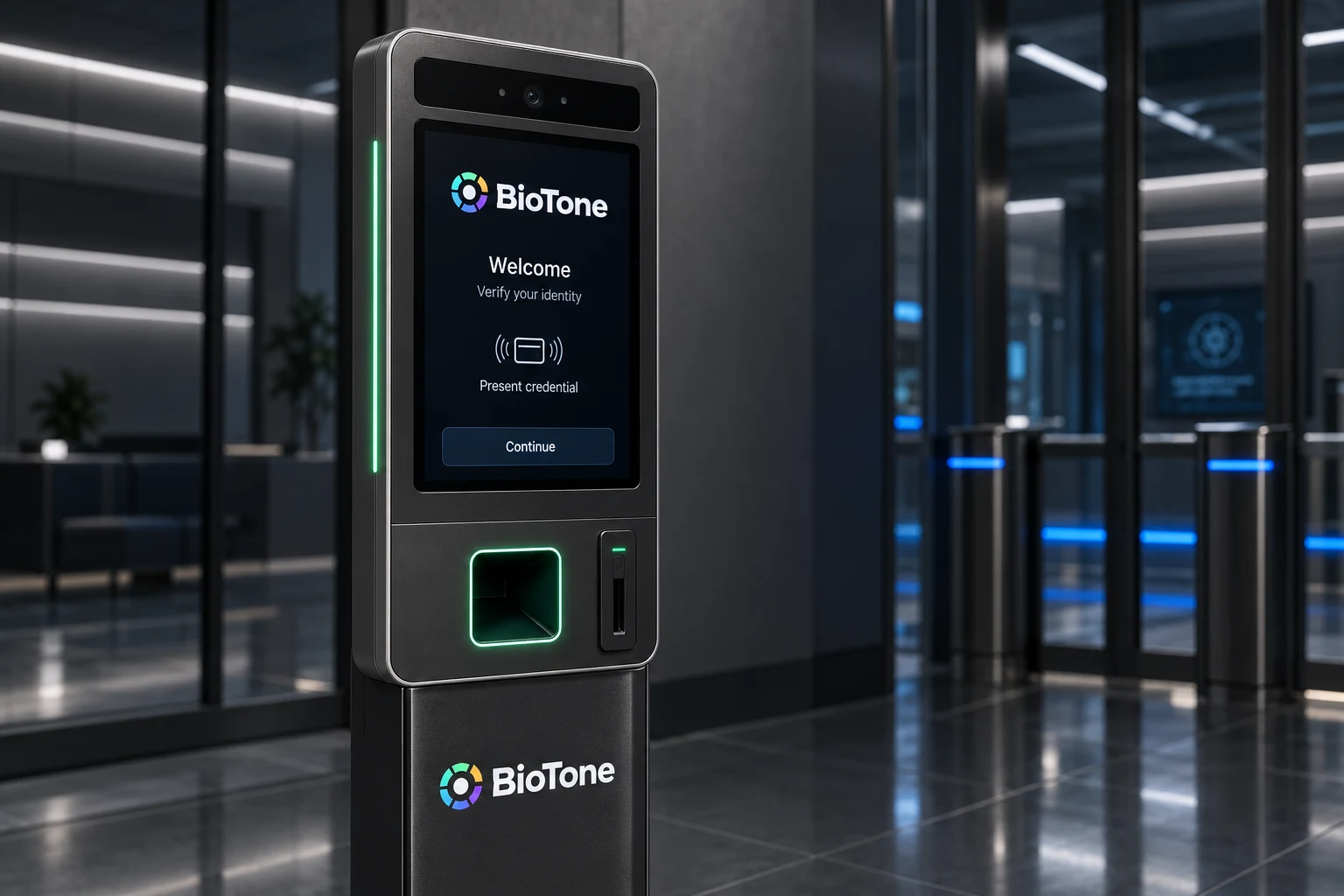
Proposed wall-mounted and freestanding stations share a guided verification experience. These concept renderings show a design direction; sensors and final specifications remain under development.

Concept rendering of a wall-mounted BioTone verification terminal
Wall-mounted terminal Concept render · proposed hardware
Concept rendering showing the screen and reader layout of a BioTone pedestal terminal
Pedestal terminal detail Concept render · proposed hardware

What connects the options

Capture is one part of the decision.

  1. 01 / Capture

    An approved endpoint

    The person deliberately uses a compatible phone, camera, or reader.

  2. 02 / Verify

    BioTone verification

    The selected integration evaluates available signals and returns verification evidence.

  3. 03 / Decide

    Your application or access system

    Your policy determines whether an action proceeds, needs another check, or goes to a staffed fallback.

Connect the reader to a verified identity and your access rules. The pilot also defines where processing occurs, who holds the data, and how staff handle exceptions.

Compare processing and custody options →

Start with an industry workflow

One useful checkpoint. Real operating conditions.

Travel & cruise boarding

Verify an enrolled traveler at a boarding or re-entry checkpoint.

Hardware fitPhone-assisted check-in or a future staffed kiosk / gate.

What to validateEvaluate queues, accessibility, lighting, consent, and a staffed fallback. Carrier and border-document checks remain separate.

Financial services

Step up before a payment, beneficiary change, or sensitive account action.

Hardware fitExisting phones and laptops; a fixed-reader pilot where appropriate.

What to validateBind verification to the requested action and retain transaction permissions in the financial institution’s system.

Workforce & healthcare

Verify staff before sensitive access on personal or shared workstations.

Hardware fitCompatible phones, workstations, or a proposed shared reader.

What to validateTest shift changes, hygiene, accessibility, recovery, and emergency-access procedures.

Defense & perimeter access

Add person-present verification at an approved guard desk or entry boundary.

Hardware fitAn approved wired reader, pre-entry kiosk, or a TARX pilot configuration.

What to validateKeep CAC/PIV and facility policy in the workflow. Cameras and microphones require deployment-specific approval; some areas allow neither.
Define the pilot

Bring the workflow. Choose the capture setup.

Identify one action, the users and environment, approved sensors, and the system that makes the final decision. Then agree on the hardware, integration work, acceptance criteria, and support needed to evaluate it.

Discuss hardware options

Candidate hardware references

Candidate components for evaluation. Final selection depends on compatibility, supply-chain review, and pilot results.

Orbbec Gemini 435Le: industrial Ethernet depth camera →Seeed reSpeaker XVF3800: USB microphone array →Nanlite cookie-s: USB-C illumination candidate →mofiria: device integration SDKs →